
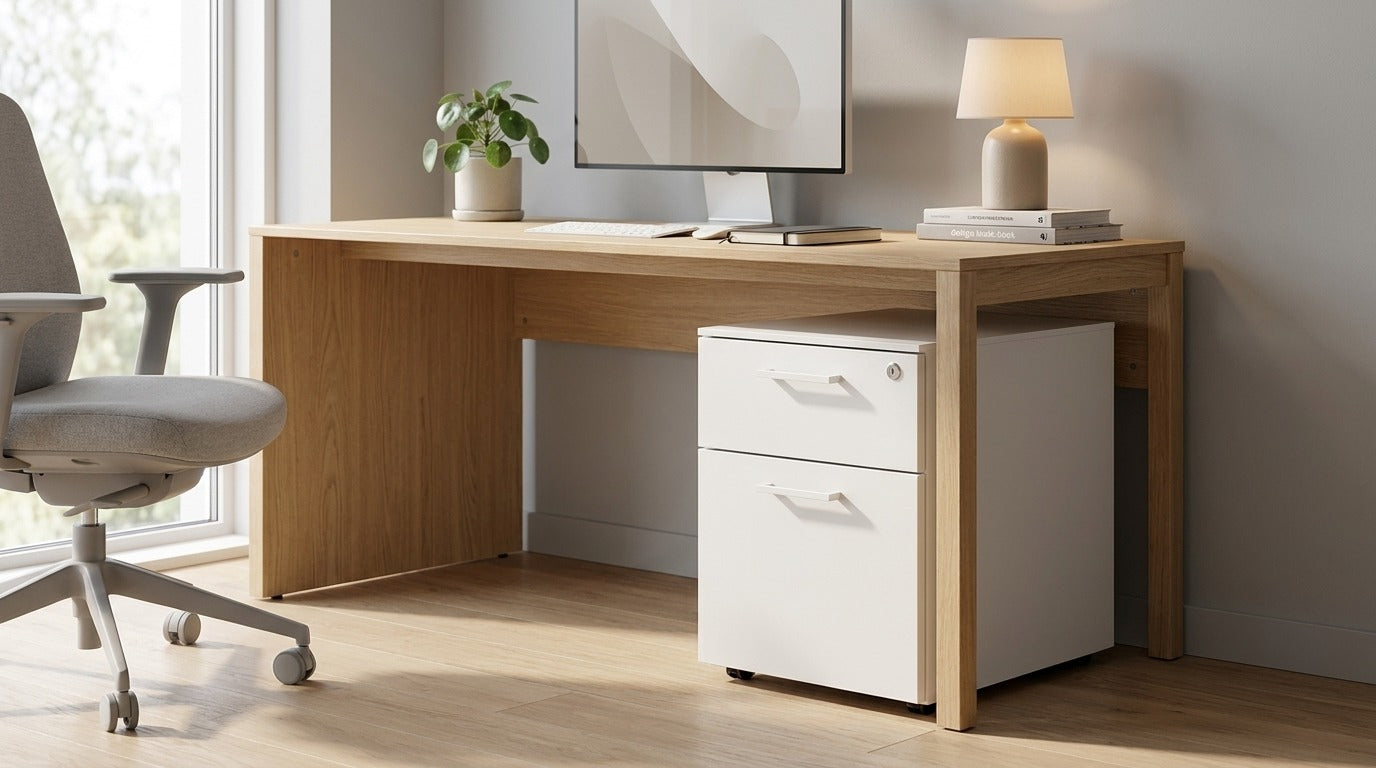
Workplace ergonomics is the adaptation of the work environment, equipment and tasks to the individual, so that work is carried out safely, comfortably and efficiently. For employers this means concrete obligations: a risk assessment, suitable office furniture and properly arranged workstations. Well-managed ergonomics reduces employee health problems, shortens sick leave and raises productivity.
In this guide we summarise what the law requires of an employer, which European and Slovenian standards apply to chairs and desks, and how to set up an ergonomic office step by step. The content is intended for HR, procurement teams and management who furnish offices.
Why workplace ergonomics matters
Office employees spend most of the working day seated, often in the same posture for hours. A poorly arranged workstation leads to back, neck and wrist pain, fatigue and a decline in concentration. Musculoskeletal problems build up gradually, which is why we only notice them once they already affect work and well-being. Investing in ergonomics is therefore a business decision, not a cost.
- Less sick leave caused by musculoskeletal disorders, which are among the most common reasons for absence.
- Higher productivity and focus, because a comfortable workstation reduces physical strain and disruptive interruptions.
- Greater satisfaction and staff retention, since a well-arranged environment signals that the employer cares about people.
- Legal compliance and lower risk during inspections.
Ergonomic equipment works preventively: a good chair and desk support correct posture and relieve the spine during long periods of sitting. It also has a notable effect on the employer's reputation, as a modern, healthy work environment increasingly influences candidates' decisions about where they will work. You can find more on how to sit correctly in our guide how to sit correctly at the computer.
What Slovenian law requires of an employer
In Slovenia the field is governed by the Slovenian Occupational Health and Safety Act (ZVZD-1) and its implementing regulations. Among other things, the law requires the employer to identify and assess risks and to arrange workstations appropriately, including display screen / computer work.
The employer's general obligations include:
- preparing and maintaining a risk assessment for all workstations;
- arranging workstations involving display screen / computer work so that they meet ergonomic requirements (chair, desk, screen, lighting, space);
- providing suitable equipment and aids that enable safe and healthy work;
- informing, training and, where necessary, providing health checks for employees.
Important: the law sets requirements regarding the outcome (a safe and health-friendly workstation) but leaves the choice of specific products to the employer. The standards below provide a good framework for ensuring that the furniture chosen is suitable.
Note: this article is not legal advice. For your specific obligations and risk assessment, consult an occupational health and safety expert or an authorised service provider.
Ergonomic standards for office furniture
Ergonomic standards define the dimensions, safety and test methods for office furniture. They are a framework of quality and compliance by which you can recognise that a product is suitable for professional use, not just for occasional use at home.
| Standard | Scope | What it covers |
|---|---|---|
| SIST EN 1335 | Office chairs | Dimensions, safety requirements and test methods for office work chairs. |
| SIST EN 527 | Office desks | Dimensions as well as safety and strength requirements for office work desks. |
The SIST EN 1335 family of standards addresses office chairs in terms of dimensions, safety and durability, while the SIST EN 527 standard covers office desks. The standards distinguish office furniture from decorative pieces that are not intended for several hours of daily use, and give the procurement team a measurable basis for comparing offers. When purchasing, it therefore makes sense to ask the supplier for information on the furniture's compliance with the relevant standards, together with the appropriate documentation. Our ergonomic office chairs and sit-stand desks are designed in line with this quality framework.
Elements of an ergonomic workstation (checklist)
An ergonomic workstation consists of several coordinated elements. Use the checklist below when furnishing and during regular reviews of existing workstations.
| Element | Ergonomic requirement |
|---|---|
| Ergonomic chair | Adjustable seat height, backrest with lumbar support, adjustable armrests, a good tilt mechanism. |
| Work desk | Sufficient working surface, appropriate depth, ideally a sit-stand desk for switching between sitting and standing. |
| Monitor | Top edge of the screen at eye level, distance roughly an arm's length away, no glare. |
| Keyboard and mouse | Relaxed wrist posture, forearms horizontal, enough space in front of the keyboard. |
| Lighting | Sufficient and even light, daylight without glare, an additional desk lamp where needed. |
| Space and indoor climate | Enough room for the legs and movement, adequate ventilation, a suitable temperature and moderate noise. |
When choosing a chair, the right adjustment to the individual is essential. You will also find practical advice in our furniture selection guide in the section on office furniture.
How to set up an ergonomic office step by step
Setting up an ergonomic office is done systematically: first you assess the current state, then you choose the equipment and set it up correctly. We suggest the following steps.
- 1. Assess the current state. Review the workstations and gather the risk assessment and any employee complaints (pain, discomfort).
- 2. Define the needs. The number of workstations, the type of work, meeting rooms, shared areas and special needs (e.g. conference chairs for meetings).
- 3. Choose compliant equipment. Chairs to SIST EN 1335 and desks to SIST EN 527; ideally sit-stand desks for alternating between sitting and standing.
- 4. Set it up correctly. Adjust the chair height, the monitor position, the lighting and the desk layout for each employee.
- 5. Train employees. Show them how to adjust the chair and desk and how to switch between sitting and standing.
- 6. Review regularly. Include ergonomics in the regular review of workstations and in updates to the risk assessment.
You can find a comprehensive overview of arranging the space in our guide how to furnish an office.
The role of sit-stand working and height-adjustable desks
Prolonged sitting is taxing even with the best chair, which is why experts recommend alternating between sitting and standing throughout the day. Sit-stand desks make this possible without interrupting work, as the user adjusts the height in a few seconds. Even a few short periods of standing work per day break up static sitting and add variety to the working rhythm.
- Less static load on the spine and encouragement of movement during work.
- Better circulation and focus, as regular changes of position reduce fatigue.
- Adaptability to different users and tasks at the same workstation.
When choosing a height-adjustable desk, our guide how to choose a sit-stand desk can help. The full range is available among our sit-stand desks.
Meeting rooms and shared areas
Ergonomics covers not only individual workstations but also shared areas. Employees spend a good deal of time in meeting rooms and common zones, so the furniture there should also be of high quality and comfortable.
- Conference chairs with proper support for longer meetings instead of decorative seating.
- Desks of suitable dimensions for working with devices and documents.
- Adaptable zones for collaboration and focused work, with acoustics and lighting in mind.
An overview of options for meeting spaces is available among our conference chairs.
How Heka can help you set up an ergonomic office
Heka Interior is a Slovenian office furniture brand of the company Hit Preless from Medvode, with more than 40 years of manufacturing experience. We help companies set up ergonomic workstations, from consulting to installation.
- Consulting and planning of office furnishing according to your needs and your space.
- Products that comply with quality standards for professional use, with a 3-year warranty.
- 7-day free trial, so employees can try out the chair before purchase.
- Custom manufacturing as well as our own delivery and installation throughout Slovenia.
- References: NLB (1,200+ workstations), Triglav and Volvo.
For complete furnishing, take a look at our office furniture, ergonomic office chairs and sit-stand desks.
Frequently asked questions
What must an employer provide for an ergonomic workstation?
The employer must assess the risks and arrange the workstation so that it is safe and health-friendly. For office work this means a suitable ergonomic chair, an appropriate desk (ideally height-adjustable), a correctly positioned monitor, good lighting and enough space. For your specific obligations, consult an occupational safety expert.
Which standards apply to office chairs and desks?
Office chairs are governed by the SIST EN 1335 family of standards (dimensions, safety and testing), while office desks are covered by SIST EN 527. The standards are a quality framework that shows the furniture is suitable for professional use. When purchasing, ask for information on compliance.
Are sit-stand desks a requirement or a recommendation?
The law requires the workstation to be ergonomically arranged, but it does not explicitly require sit-stand desks. They are strongly recommended, because they allow you to alternate between sitting and standing and reduce the strain of prolonged sitting. More in our guide how to choose a sit-stand desk.
How much does setting up an ergonomic office cost?
The cost depends on the number of workstations, the choice of furniture and the scope of consulting. It makes sense to look at the total value: high-quality ergonomic equipment with a longer service life and a 3-year warranty is more cost-effective in the long run. For companies, we prepare a tailored offer.
Setting up an ergonomic office? Take a look at our ergonomic office chairs and sit-stand desks, take advantage of the 7-day free trial, or get in touch for a business offer and consulting on furnishing your entire office.



Share:
Children's Ergonomic Chair: How to Choose for a Schoolchild
Executive Chair: A Guide to Choosing the Right Director's Chair