
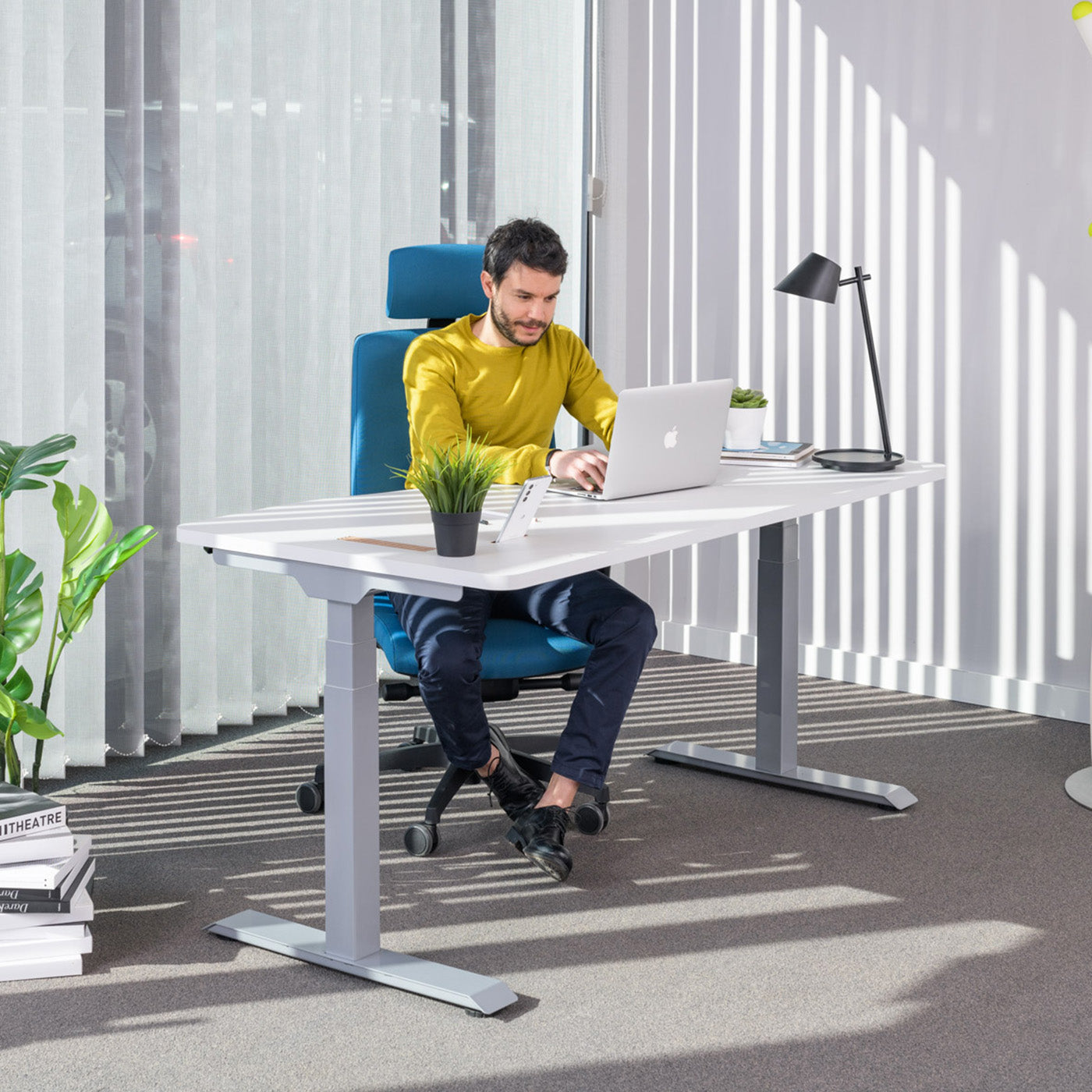
The question of how to choose a standing desk is being asked by more and more people who want to work part of the day standing up, taking the strain off their spine and staying focused. A standing desk is not just a desk with a lift; it is an investment in a healthy working environment that should serve you for many years. To help you decide correctly, we have prepared a clear guide that walks you through all the important decisions: from the drive and motors to the height range, weight capacity, worktop size, and custom-build options. The goal is simple: to help you understand what to look out for, so the desk you choose suits your body, your space, and the way you work.
Electric or manual standing desk?
The first and most important decision is the lifting mechanism. Manual (mechanical) standing desks change height with a crank or a spring mechanism, while electric ones use one or two motors at the push of a button. Both types have their place, but the choice depends mainly on how often you will switch between sitting and standing.
If you intend to change the height several times a day, an electric desk is almost always the better choice, because the adjustment is so easy that you actually use it. A manual desk is more suitable when you set the height rarely and are looking for a more affordable solution. The table below summarizes the main differences in one place.
| Feature | Electric standing desk | Manual standing desk |
|---|---|---|
| Height adjustment | Press of a button, a few seconds | Turning a crank, several rotations |
| Frequency of change | Ideal for several times a day | Suitable for occasional change |
| Height memory | Often available | Generally not possible |
| Noise | Quiet motor | No motor |
| Price | Higher | Lower |
| Maintenance | Minimal | Mechanism without electronics |
For most modern offices and home workstations we recommend the electric version, as it removes every obstacle to frequently changing position. You can find an overview of the options in our standing desks collection, where models of various sizes and drives are available.
Single or dual motor
With electric desks, the next question is the number of motors. A desk with a single motor lifts both legs via a shared shaft, while a desk with two motors has a separate motor in each leg. The difference is not only technical; it affects the speed, smoothness of lifting, and weight capacity.
Single motor
A single motor is more affordable and entirely sufficient for lighter loads, for example a single worktop with a laptop or a smaller monitor. The lifting is somewhat slower, and under heavier loads it is less stable than with a dual drive.
Dual motor
A dual motor provides faster and more even lifting, greater weight capacity, and a steadier desk at higher positions. It is the recommended choice for workstations with two monitors, a docking station, and additional equipment. If you are buying a desk for intensive daily use, a dual motor is an investment that pays off in reliability and comfort.
Height range and the correct height
The height range tells you between which lowest and highest height the desk moves. This is crucial, as the desk must suit your body in both the seated and the standing position. Too small a range means the desk will be too low for a tall person when standing, or too high for a shorter person when sitting.
When sitting, your elbows should be at an angle of approximately 90 degrees, your forearms parallel to the floor, and the top edge of the screen slightly below eye level. The same applies when standing. Before buying, measure the height at which you have comfortable support with bent elbows, and compare this with the desk's range. If the desk is shared by several users of different heights, a wide range is even more important. We write in more detail about the correct workstation setup in our guide on how to sit correctly at a computer.
Weight capacity and stability
Weight capacity is the maximum weight that the desk can reliably lift. When calculating it, add up the weight of the worktop, monitors, mounts, computer, and all other equipment that will permanently sit on the desk. Always choose a desk with a weight-capacity reserve, so the motors do not operate at the limit of their capacity, which extends their service life.
Stability is closely related to weight capacity, but it is not the same thing. Even a desk with a high declared weight capacity may wobble somewhat when typing in the highest position if its frame is loose. A more robust frame, quality telescopic supports, and a dual motor significantly reduce wobble. For intensive use, a solid, steady frame is more important than a few extra kilograms on paper.
Height memory and controls
Height memory is a function of the control panel that stores your favorite positions, for example one height for sitting and one for standing. With a single press, the desk automatically moves to the saved height, which genuinely encourages frequent changes of position.
When choosing, pay attention to the number of saved positions, a clear control panel, and, if desired, additional functions such as a reminder to stand up. If the desk is used by several people, height memory is even more valuable, as each person can quickly recall their own setting. Height memory pays off precisely because of the comfort that leads to actual, daily use of the lifting function.
Worktop size and materials
Choose the worktop size according to your equipment and space. For working with a single screen and a laptop, a smaller worktop is generally sufficient, while for two monitors and more documents we recommend a wider and deeper worktop, so you have enough room for the correct distance from the screen. Before buying, measure your space and bear in mind that changing the height only changes the height, not the footprint.
As for the worktop material, the most common is quality chipboard with a decorative coating, which is durable, easy to maintain, and available in various decors. For a warmer look, worktops in wood decors are popular, while plain surfaces give a modern look. The key is that the edge of the worktop is well finished and that the surface is resistant to scratches and daily use. A standing desk is often combined with a classic work surface as well; in that case, take a look at the desks collection.
Custom build and installation
At Heka Interior, with our own production in Medvode, we make it possible to build standing desks to measure. This means we adapt the worktop to your dimensions, you choose a decor that matches the furnishings of the space, and if needed we also adjust the shape for corner setups and shared workstations. This approach is especially useful when furnishing entire offices, where the furniture must work in a coordinated way.
With our own delivery and installation, we ensure the desk is correctly assembled and ready for use. For larger projects this means less coordination and a reliable result, as confirmed by references such as NLB with 1,200 workstations, Triglav, and the Volvo service center. As a rough guide, standing desk prices start from around a few hundred euros for simpler versions and rise with a dual motor, a larger worktop, and a custom build.
Don't forget the chair
A standing desk works best paired with a suitable chair. Even if you work standing for part of the day, you still sit most of the time, so a chair that supports correct posture is equally important. You can choose between ergonomic office chairs, while for combining with a higher, standing position, special chairs for standing desks are suitable. Complete your workstation with equipment from the accessories collection, such as monitor mounts and cable trays. Read more about the benefits of alternating between standing and sitting work in our guide on why work standing and the benefits of a standing desk.
Frequently asked questions
Is an electric or a manual standing desk the better choice?
It depends on use. If you will change the height several times a day, an electric desk is more practical, because the adjustment is so easy that you actually use it. A manual desk is a good and more affordable solution when you change the height only occasionally.
Do I need a single or a dual motor?
A single motor is sufficient for lighter desks with a single screen and a laptop. We recommend a dual motor for workstations with two monitors and additional equipment, as it provides faster, more even, and more stable lifting, along with greater weight capacity.
How high should a standing desk be for me?
The desk should allow you to keep your elbows bent at approximately 90 degrees and your forearms parallel to the floor in both the seated and standing positions. Before buying, measure this comfortable height and compare it with the desk's height range, especially if it is shared by several users of different heights.
What weight capacity should a standing desk have?
Add up the weight of the worktop, monitors, mounts, computer, and other equipment, then choose a desk with a weight-capacity reserve. This way the motors do not operate at the limit of their capacity, which extends their service life and keeps the lifting steady.
What is height memory and do I need it?
Height memory stores favorite positions, for example one height for sitting and one for standing, which you recall with a single press. It is highly recommended, as it encourages frequent changes of position, and it is especially useful when the desk is used by several people.
Can you customize a standing desk to measure?
Yes. At Heka Interior, with our own production, we make standing desks to your dimensions, with your chosen worktop decor and matched to the furnishings of the space, including delivery and installation. This is especially useful when furnishing entire offices.
Conclusion and an invitation to try it
You choose the right standing desk by matching the drive, motors, height range, weight capacity, and worktop size to your body, your space, and the way you work. When you put these elements in the right balance, you get a workstation that genuinely encourages you to change position and takes the strain off your spine. Best of all, simply try the desk out. Take advantage of our 7-day free trial and experience the difference in practice; start browsing in the standing desks collection.



Share:
Office chair for back pain: how to choose
Ergonomic vs standard office chair: which to choose?